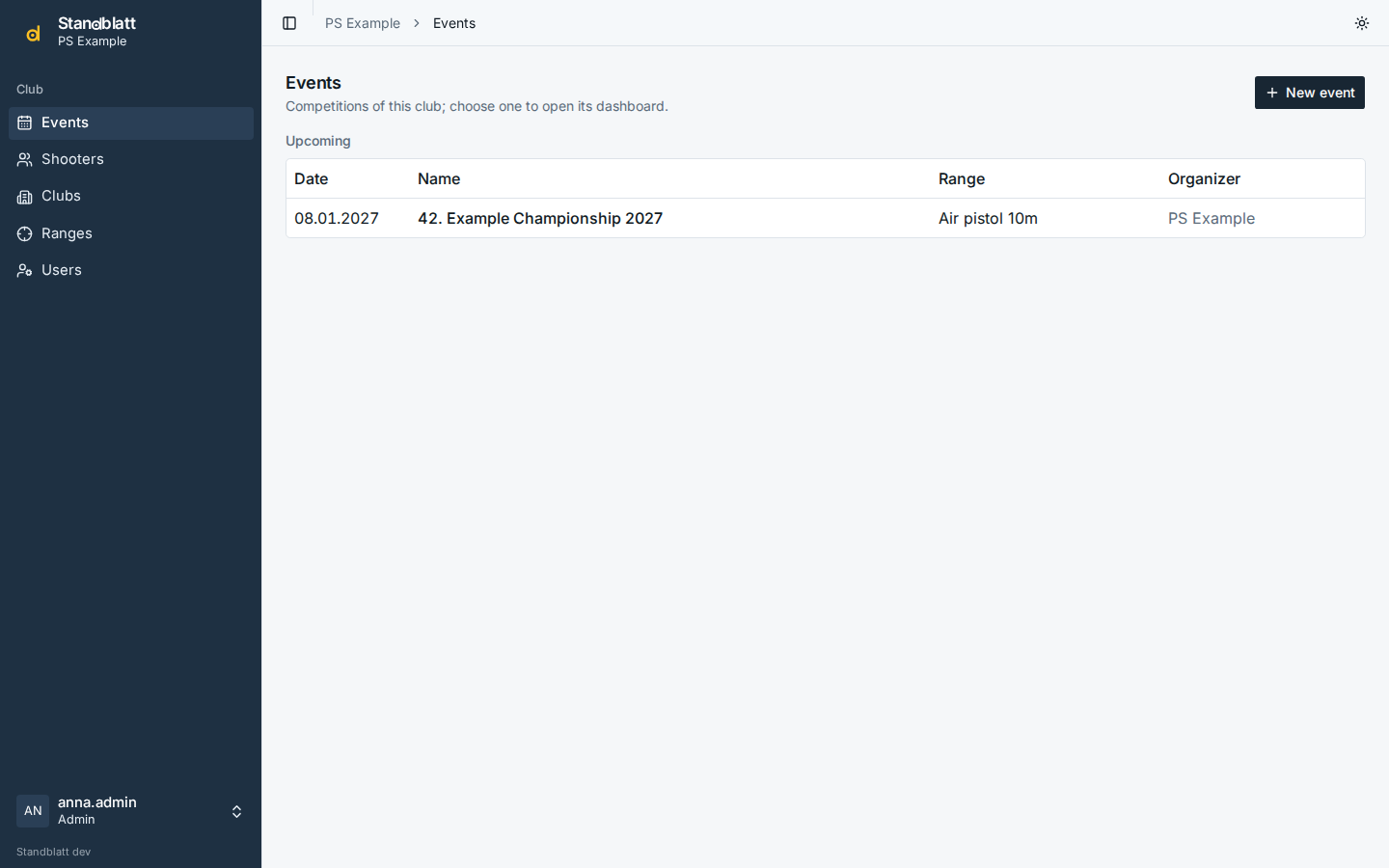
Events
Events lists the events of the club in the groups Today, Upcoming, Past and Archived; admins create new ones there. Opening an event shows its dashboard, reservations, rankings, statistics and setup in the sidebar; Change event at the top of the sidebar returns to the list.
Settings
The event's Setup has five tabs: Programmes (see Programmes), Event, Kiosk displays (see Rankings and kiosk), Helpers (see Helpers) and Copy & archive. Staff only see the programmes.
The Event tab holds the settings (admins):
| Setting | Meaning |
|---|---|
| Name, Date, Ranges, Further shooting days | the date is the main day and decides the age categories; tick every range the event is shot on; further days cover pre-shooting days and multi-day events (registrations count on the day they are made) |
| Organizer | printed on documents |
| Language of documents and kiosk | language of PDFs, CSV exports and kiosk screens, independent of each user's interface language |
| Club excluded from the club competition | usually the host club; listed as out of competition |
| Show lane status on the rankings | kiosk screens show the lanes |
| Print the award value on wreath cards | value in figures and words on the card |
| The organizer hands out the ammunition | shows the Ammo button on the dashboard and for the ammunition desk (see Helpers); off for events where shooters bring their own, e.g. air pistol and air rifle |
Copy for next year
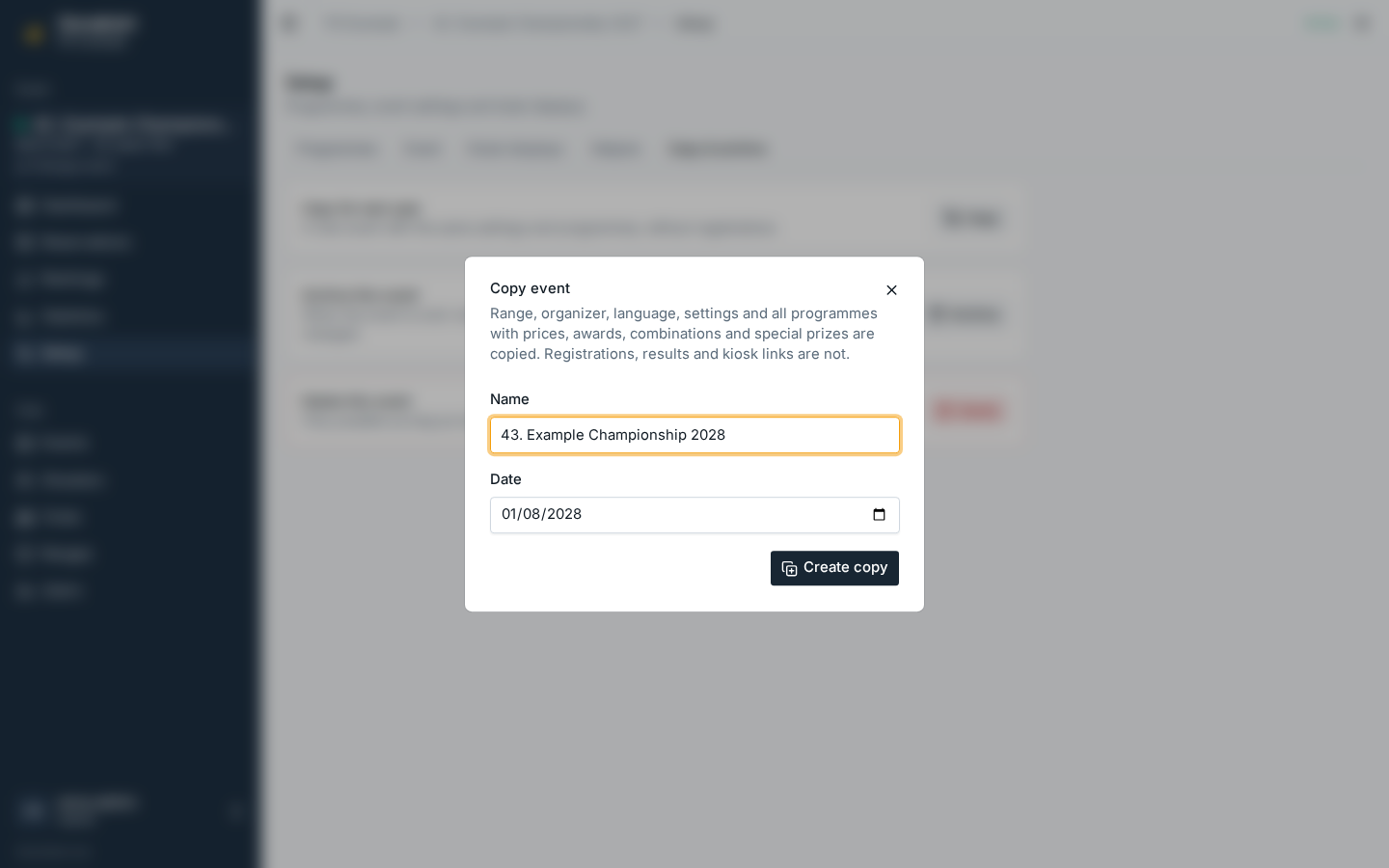
On the Copy & archive tab, Copy for next year creates a new event with the same ranges, organizer, language, settings and all programmes, including prices, awards, combinations and special prizes; the shooting days move with the date. Registrations, results and kiosk links are not copied. The dialog suggests the name with the year (and a leading number like 42.) counted up and the date one year later; adjust both as needed.
Archive
When an event is over, Archive it on the Copy & archive tab: everything stays visible (dashboard, results, rankings, reports, documents), but registrations, results, awards, programmes and settings can no longer be changed. A banner on every page of the event says so. Unarchive makes it editable again. Copying an archived event for next year works.
Delete
Delete (on the Copy & archive tab) removes an event, but only while nobody is registered for it.