Rankings and kiosk
Rankings
Rankings shows a live ranking per programme, ordered by the SSV rules. The first three ranks are highlighted.
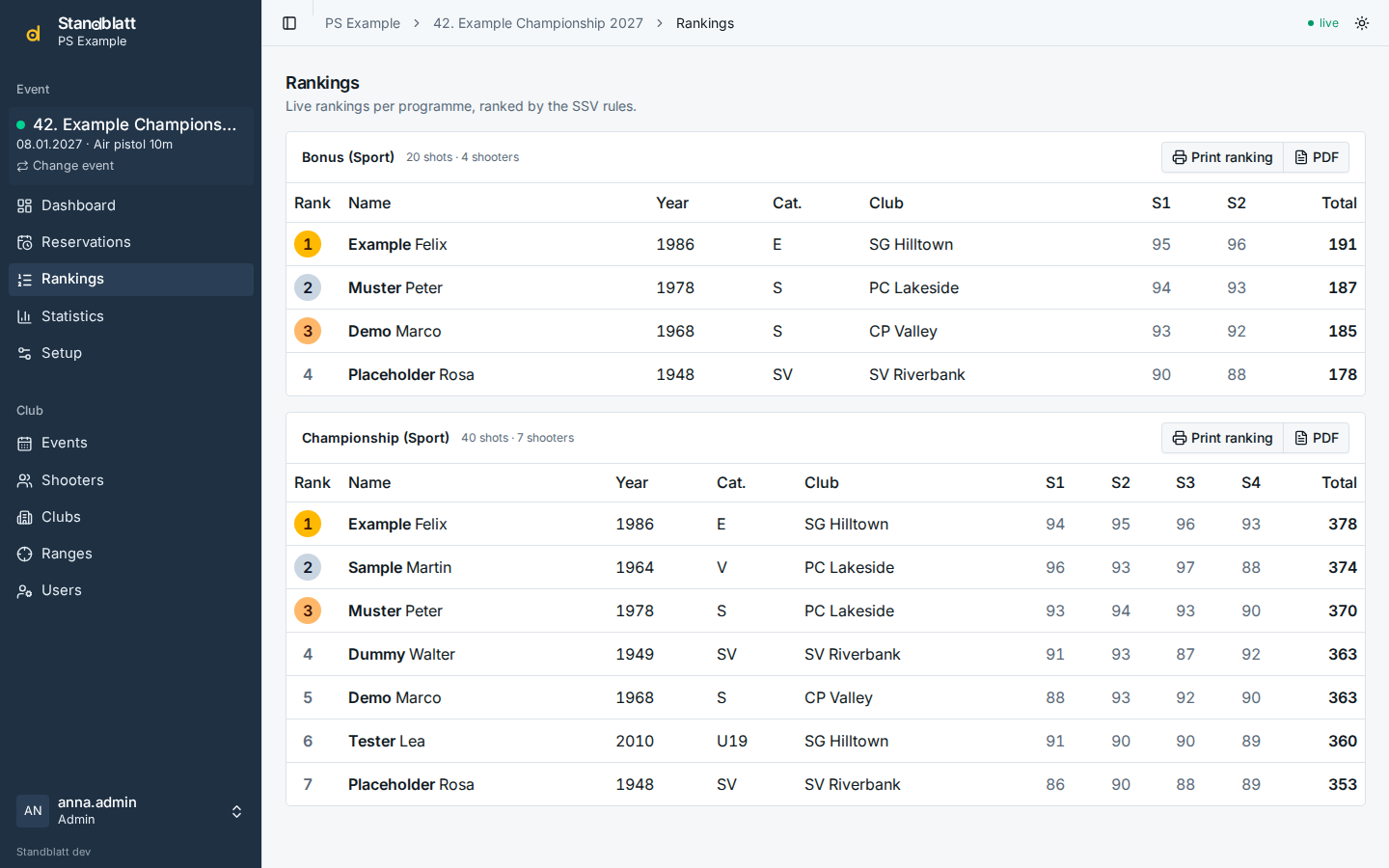
- Print ranking sends the ranking (A4) to the range's printer or opens it as PDF; the CSV export is under the programme in Statistics.
- Programmes switched off for kiosk displays are still ranked here and marked not on kiosk.
Kiosk screens
A kiosk link shows the rankings of one event on a screen in the hall, without login. Create one on the Kiosk displays tab of the event's Setup:
- Enter a name for the screen (e.g. Hall 1), choose Dark or Light and optionally a language.
- Create kiosk link; copy the link. It is shown only once.
- Open the link in a browser on the screen, ideally in full screen.
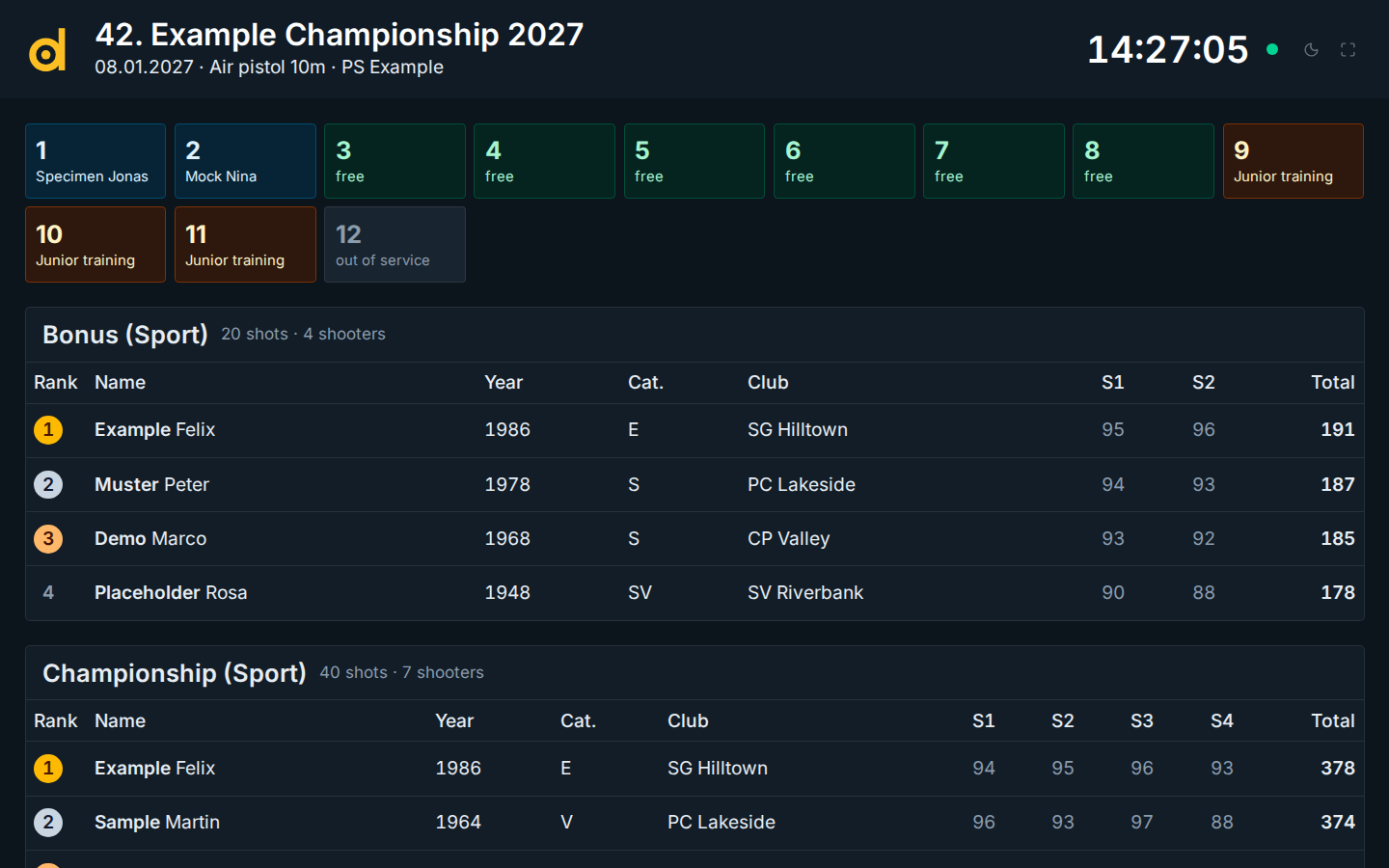
- The kiosk shows only programmes with Show on kiosk displays switched on, and the lane status if the event setting Show lane status on the rankings is on.
- The language is the event's language unless the link carries another one (
?language=de,fr,it,en); the theme comes from?theme=darkor?theme=light. On an event with several ranges,?range=<id>(chosen when creating the link) limits the display to that range: its lanes, its programmes and the programmes without a range. - The screen updates live and reconnects by itself after a network interruption. When a new version of Standblatt is released, it reloads by itself.
- revoke in the list stops a link immediately. last seen tells when a screen last fetched data.